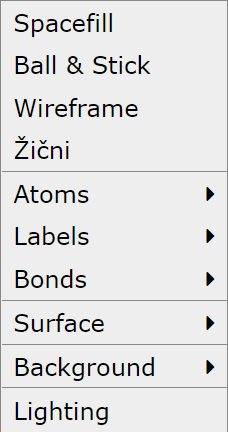
Click on the menu Model for toolbar display

Buttons for four types of model representations: wireframe, sticks, ball and stick, spacefill
Buttons for three types of atom labels: element, number, element and number.


Button to turn off label display.

Two buttons for surface display at the Van der Waals distance: smooth (opaque) and transparent.


A few colors can for the surface can be selected.
Button to turn off surface display.
A few color for the model background can be selected.
Most of the toolbar options are also accessible via the Model menu.