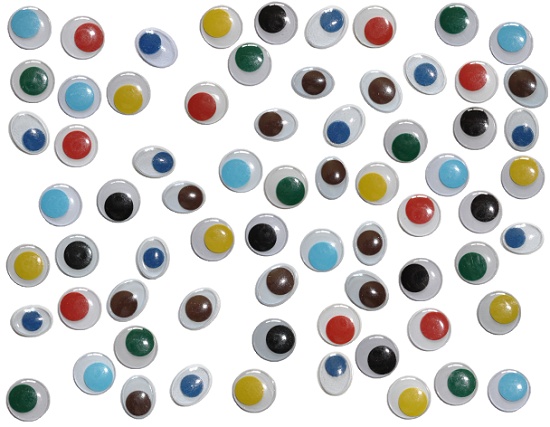
'69 eyes'
The stamps
used by Tux Paint are 'PNG'-pictures. All stamps are placed in the 'stamps'
directory. It's useful to create a subdirectory named 'all_our_eyes'
where you can put all the images of our 'eyes'. (For example in
'Windows': Where can I place the 69 pictures?)
C:\Program Files\TuxPaint\data\stamps\all_our_eyes\... (69 png-files)
Download
here our collection:
'eyes.zip'.
(and unzip this file!)
You can
create now your own 'works of art' with our eyes. With the
configuration tool
(C:\Program Files\TuxPaint\tuxpaint-config.exe) you can
select the directory where you want to save the drawings.
The file name of a drawing (for example: 20061012100743.png) is the
file creation date (2006.10.12) and time (10:07:43).
|